
TL;DR

Get kitchen staples and gadgets delivered free with Prime
- Fast, free delivery on millions of items
- Prime Video, Amazon Music and more included
- Member-only deals all year
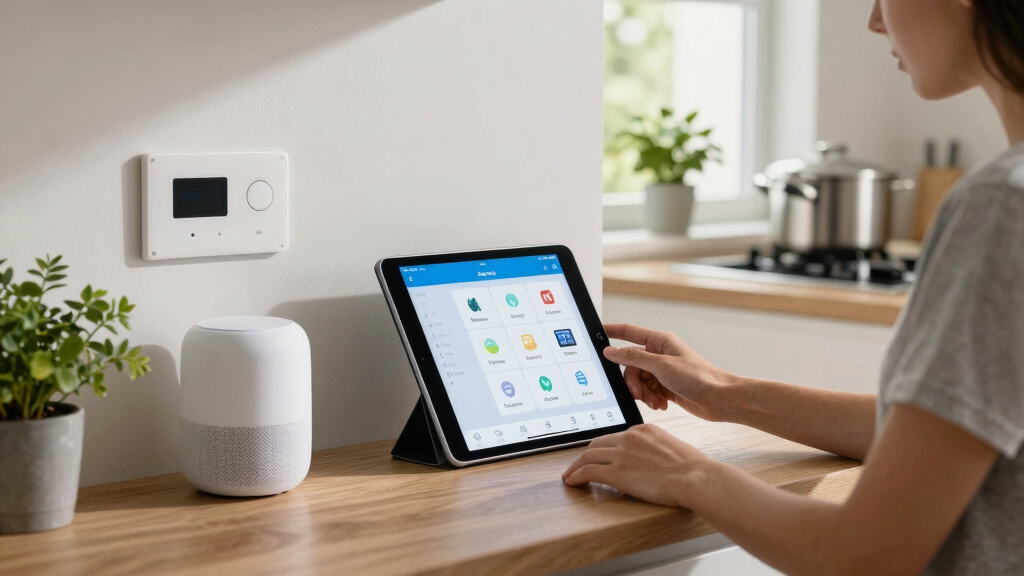
Apple Home users can now unlock advanced automation features, including setting up critical alerts, customizing Control Center scenes, and building weather-based automations. These hacks improve safety, convenience, and device management.
Apple Home users can now implement 10 advanced hacks to improve safety, automate routines, and customize device controls. These tips, confirmed by recent expert guidance, help users maximize their smart home experience and ensure critical alerts are never missed, even during silent modes.
One key confirmed feature is enabling Critical Alerts, which allows emergency notifications—such as smoke or carbon monoxide alarms—to break through silent and Do Not Disturb modes. To activate this, users must go to Settings > Notifications > Home and toggle on Critical Alerts, with additional configuration in device-specific apps.
Another confirmed tip involves customizing the Control Center by pinning frequently used scenes or accessories. Users can long-press the Control Center, select Home control, and add or remove scenes to access automation controls more quickly. This enhances daily convenience, especially for common routines.
Users can also break device sensors into multiple tiles, allowing more targeted automations. For instance, motion sensors within a device can be separated to trigger specific actions, such as opening shades based on ambient light, or activating a fan based on room temperature. This requires long-pressing a device and selecting Show as Separate Tiles.
Additionally, users can set built-in countdown timers for devices triggered by sensors, ensuring lights or appliances turn off automatically after a set period. This is configured via the Add Automation feature in the Home app, selecting sensors and devices, and specifying a timeout.
Another confirmed hack involves using Shortcuts to create weather-based automations. For example, shades can lower automatically on sunny afternoons or remain open during overcast days, based on real-time weather data. Setting this up involves converting automations into Shortcuts and integrating weather conditions.
Finally, users can program smart bulbs to act as silent intercoms by flashing or turning on/off in sequence, alerting family members without noise. This is done through creating Shortcuts that control lights based on triggers such as motion detection, providing a discreet communication method within the home.
Why These Hacks Improve Home Safety and Convenience
These hacks significantly enhance the safety, efficiency, and usability of Apple Home setups. Enabling Critical Alerts ensures urgent notifications are never missed, which can be vital during emergencies. Customizing Control Center and automations streamlines daily routines, saving time and reducing manual control. Weather-based automations and silent intercoms add layers of convenience, making smart homes more responsive and user-friendly. Overall, these tips help users get the most out of their Apple Home investment, promoting safer and smarter living environments.
Apple HomeKit critical alert compatible smoke detector
As an affiliate, we earn on qualifying purchases.
As an affiliate, we earn on qualifying purchases.
Recent Tips Highlight Growing Apple Home Capabilities
Apple has steadily expanded HomeKit features, emphasizing safety and automation. Recent guidance from tech sources like Lifehacker underscores how users can leverage built-in features to create more sophisticated routines. The emphasis on automations—such as sensor-based timers and weather responses—reflects Apple’s push towards more intelligent, adaptable smart homes. These tips build on previous updates that introduced scene management and device customization, making Apple Home more versatile for everyday use.
“Smart home platforms have plenty of powerful features for automating every device in your home, but you have to do some upfront work to make it happen.”
— Lifehacker
Unanswered Questions About Advanced Apple Home Features
While these tips are confirmed, it is not yet clear how many users are fully aware of or utilizing all features, such as sensor splitting or weather automations. Additionally, the extent of customization possible in certain device types or regional restrictions may vary. Apple has not publicly announced any upcoming updates that will further expand these capabilities, and some users may encounter limitations based on device models or software versions.
Next Steps for Apple Home Users and Developers
Apple is expected to continue refining HomeKit features, potentially adding more automation options and improving user interface customization. Users should keep their devices updated to access new features and consider exploring Shortcuts for more complex routines. Developers may also expand third-party integrations, broadening the scope of automations and device compatibility. Monitoring official Apple updates and community tips will help users stay ahead in optimizing their smart homes.
Key Questions
How do I enable Critical Alerts in Apple Home?
Go to Settings > Notifications > Home and toggle on Critical Alerts. You may also need to adjust app permissions within individual device apps.
Can I customize which scenes appear in Control Center?
Yes. Long-press the Control Center, tap Home control, toggle off Use Recommended, and add your preferred scenes or accessories manually.
Are weather-based automations reliable?
They work well with accurate weather data, but depend on your device’s location services and internet connection. Updates may improve reliability over time.
Is it possible to set timers for all smart devices?
Most automations involving timers are possible within the Home app, especially for devices triggered by sensors. However, some device types may have limitations.
Source: Lifehacker
Fall Picks
fall essentials
As an affiliate, we earn on qualifying purchases.